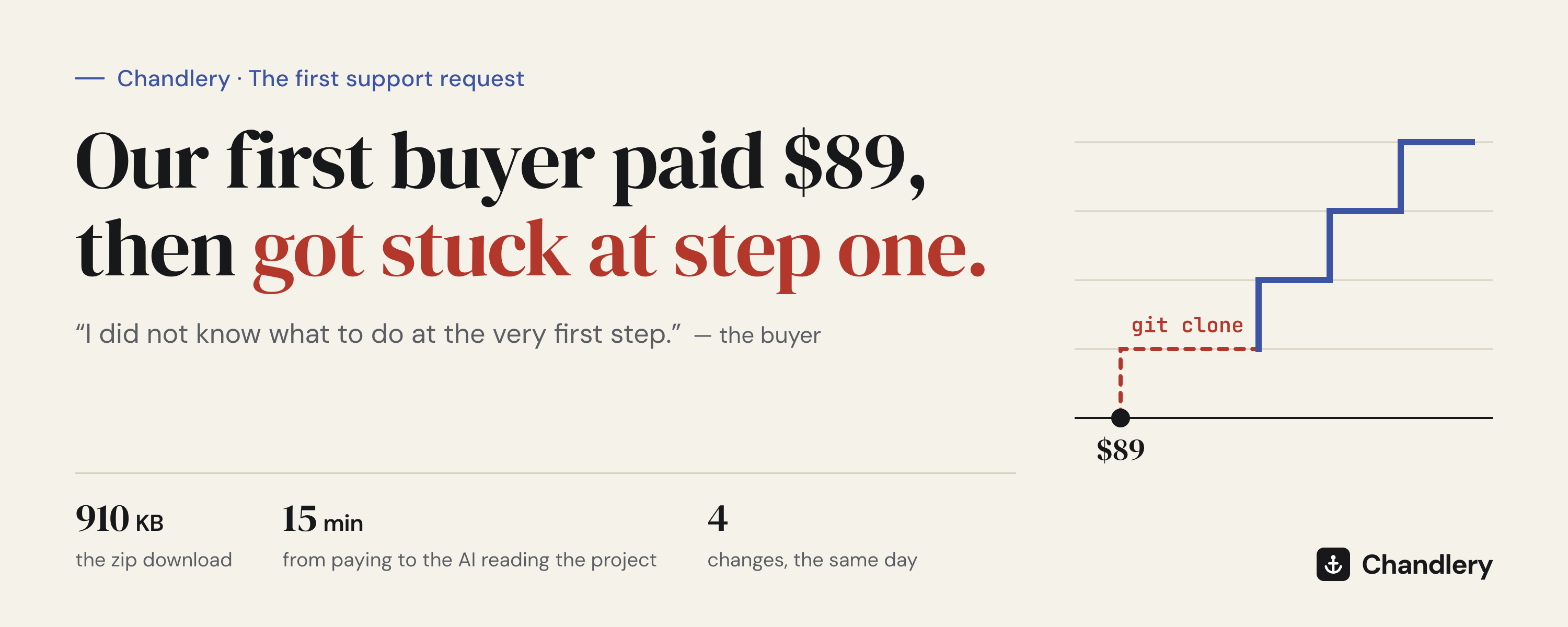
On September 18, Chandlery got its first real buyer.
They paid $89, accepted the invitation to the GitHub repository, landed on github.com, and stopped.
This is the message they sent, word for word:
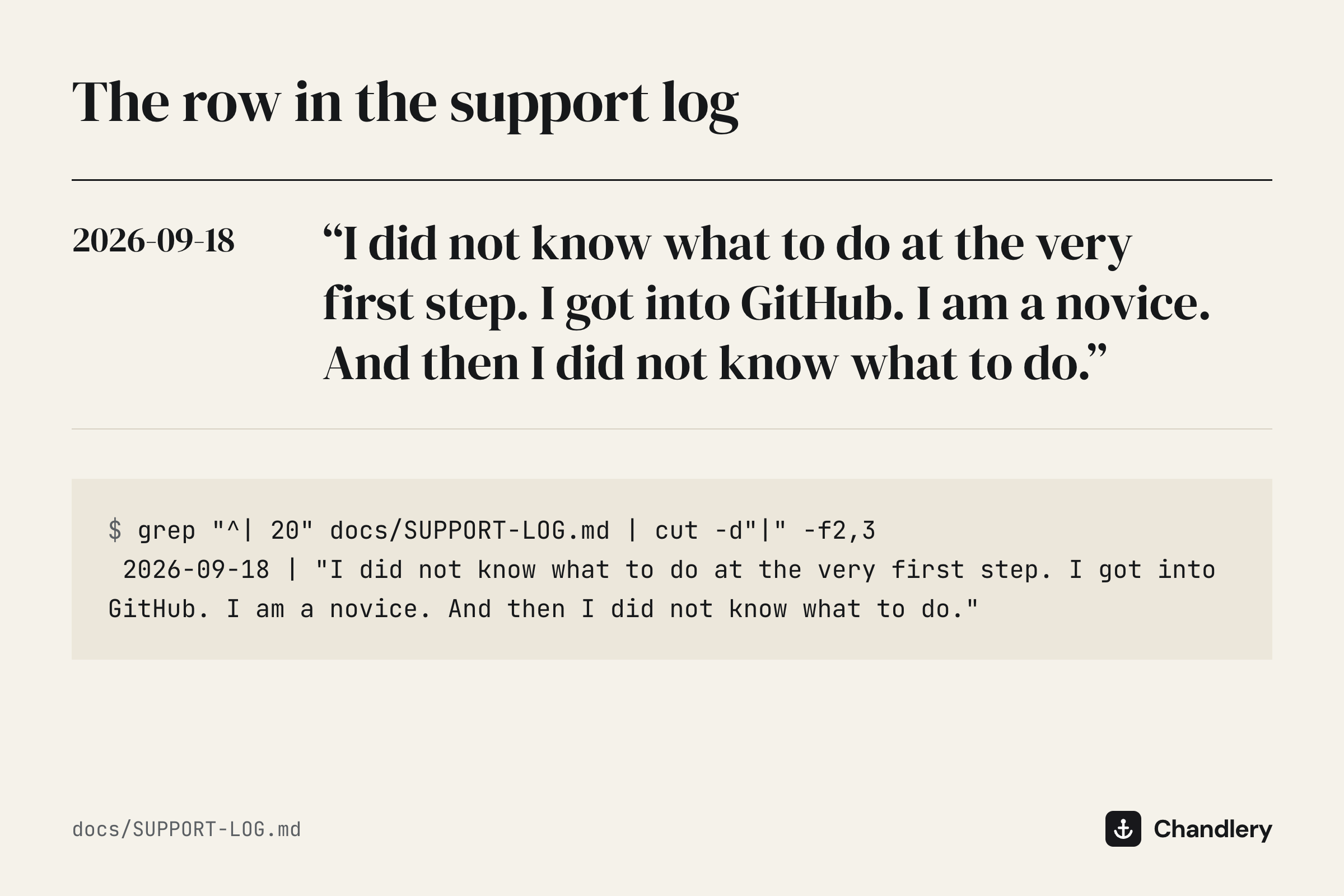
I did not know what to do at the very first step. I got into GitHub. I am a novice. And then I did not know what to do.
Chandlery is sold to beginners. The first beginner got stuck on the first page they saw after paying.
What Chandlery is
A website project you can put live as it is. Sign-in, a database, tests and your own domain are already written and tested. Payments, email and file uploads are features you add with one command each; there are 12 of them.
You don't need to write code. You open the project in Claude Code, Cursor or Codex, tell the AI in plain words what you want, and it carries on from there, all the way to a site running on Cloudflare.
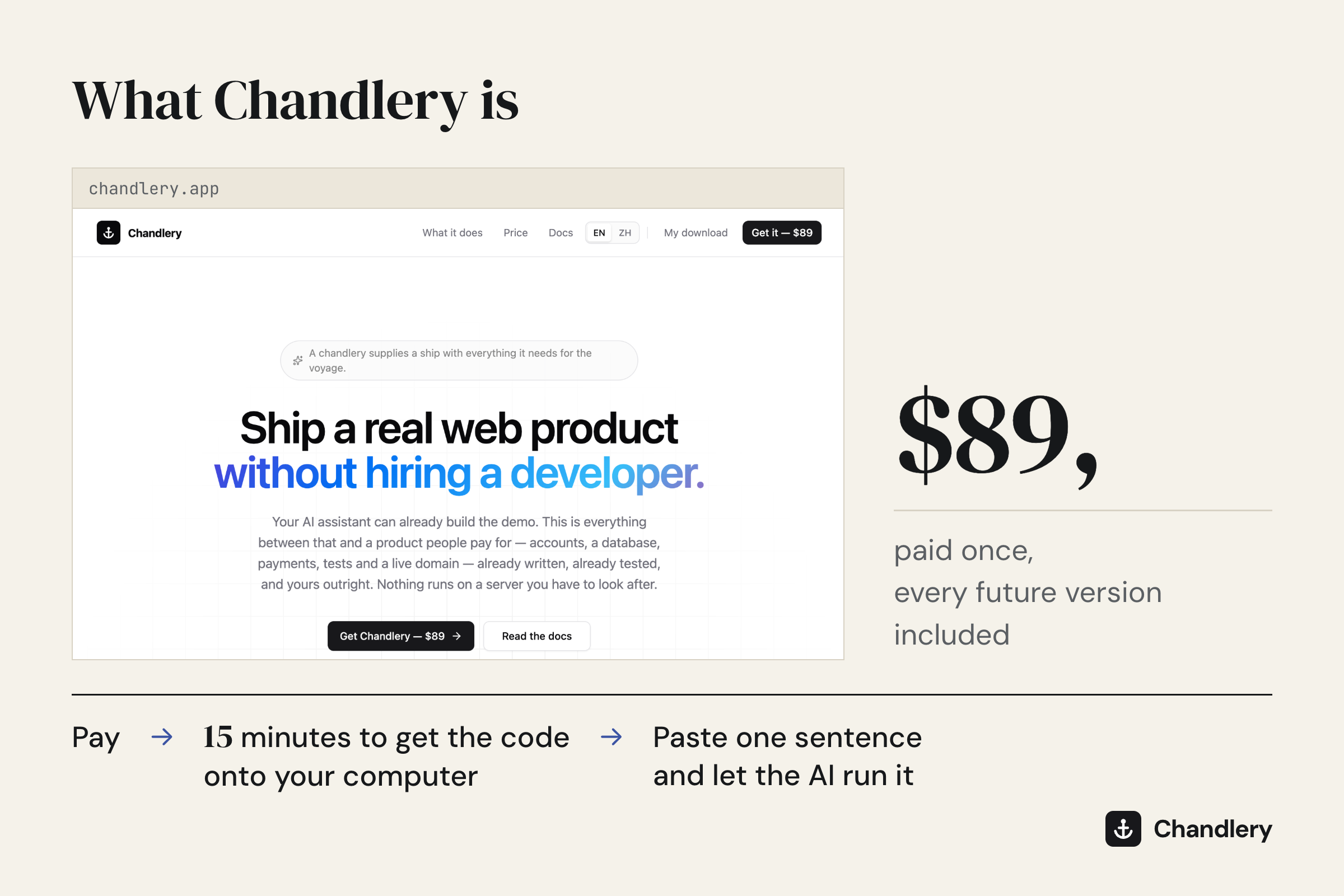
After you buy, the path is: pay, spend 15 minutes getting the code onto your computer, then paste one sentence to your AI and let it get the project running.
$89, paid once, and every future version is included.
The step I left out
Reading my own docs again, the problem was in four places:
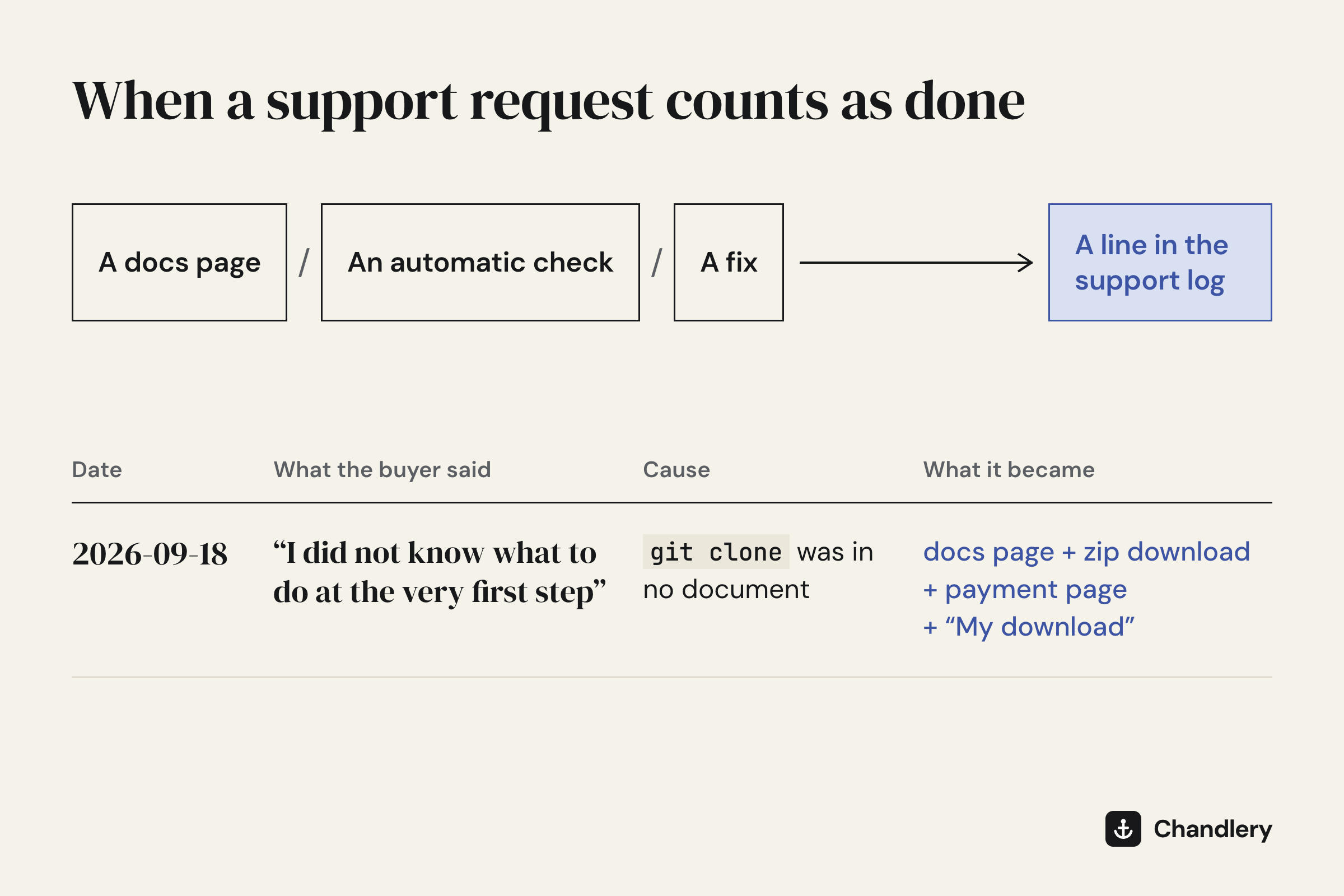
git clonedid not appear anywhere in the documentation. It is the command that copies code from GitHub onto your computer.- The install page began with "Open the project folder in your AI assistant." At that point the buyer had no project folder.
- The project has a START-HERE.md written for beginners, and its first line is "I have just downloaded a project." It sits inside the project folder. No folder, no START-HERE.
- Even knowing
git clone, this is a private repository, so the buyer would first have to sign in to GitHub from their computer. Beginners have never set that up.
When I wrote the docs, I assumed the reader already had the folder. Going from "paid" to "there is a folder on my computer" is something I do every day, so often that I forgot it counts as a step.
Four changes, the same day
1. A zip download in the buyer portal.
910 KB. Unzipped, it is the complete project with its version history, already connected to the update channel, so new versions still arrive with one command. The buyer never needs git clone and never has to sign in to GitHub.
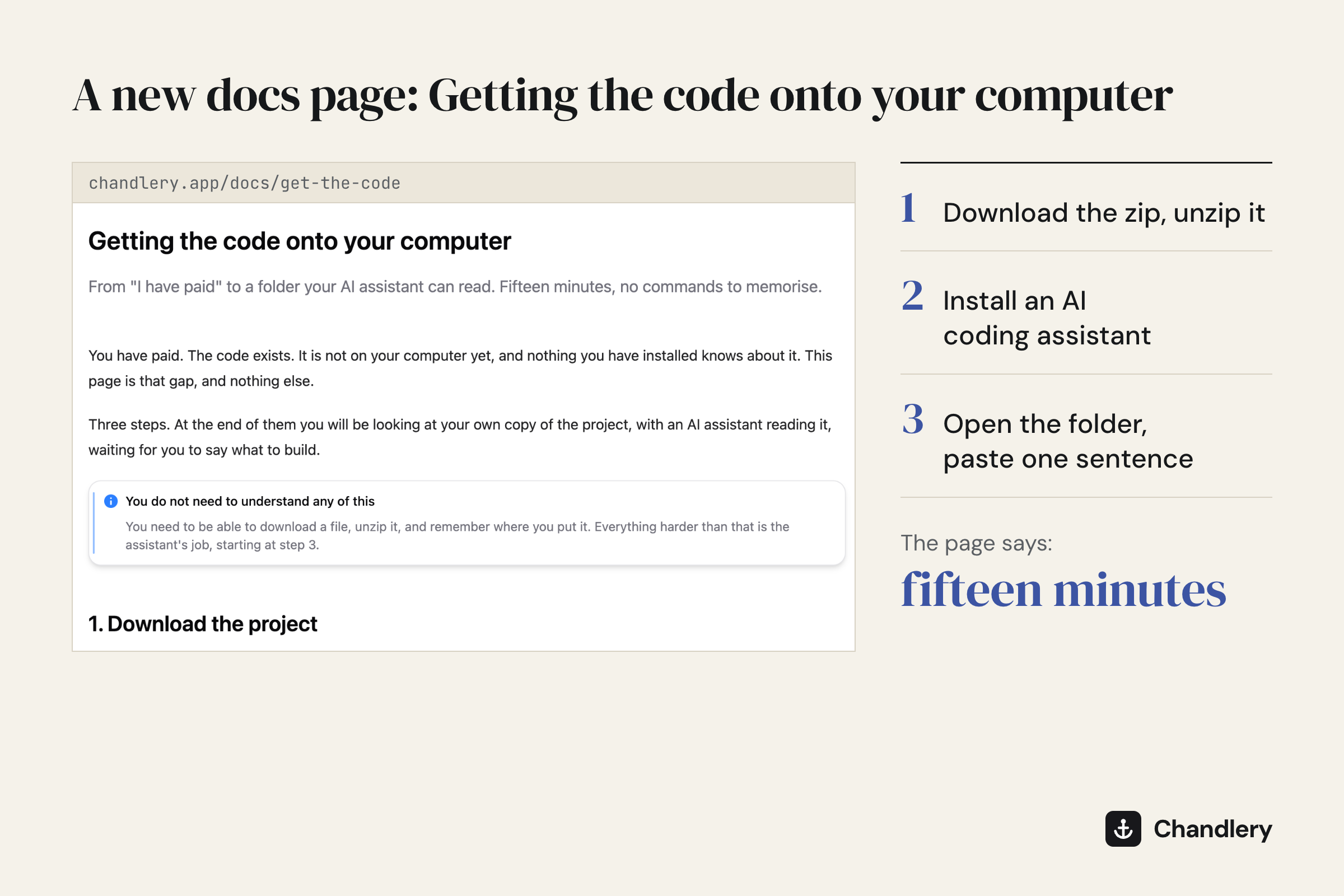
2. A new docs page: "Getting the code onto your computer."
In English and Chinese. Three steps: download and unzip; install an AI coding assistant; open the folder and paste one sentence. The page says fifteen minutes.
The sentence to paste is this:
Read START-HERE.md and get this project running on my computer. I am not a developer, so install anything that is missing, explain each step in plain language, and tell me when I can open it in my browser.
From there, the AI takes over.
3. The page you see after paying now leads with those three steps.
It used to say "clone".
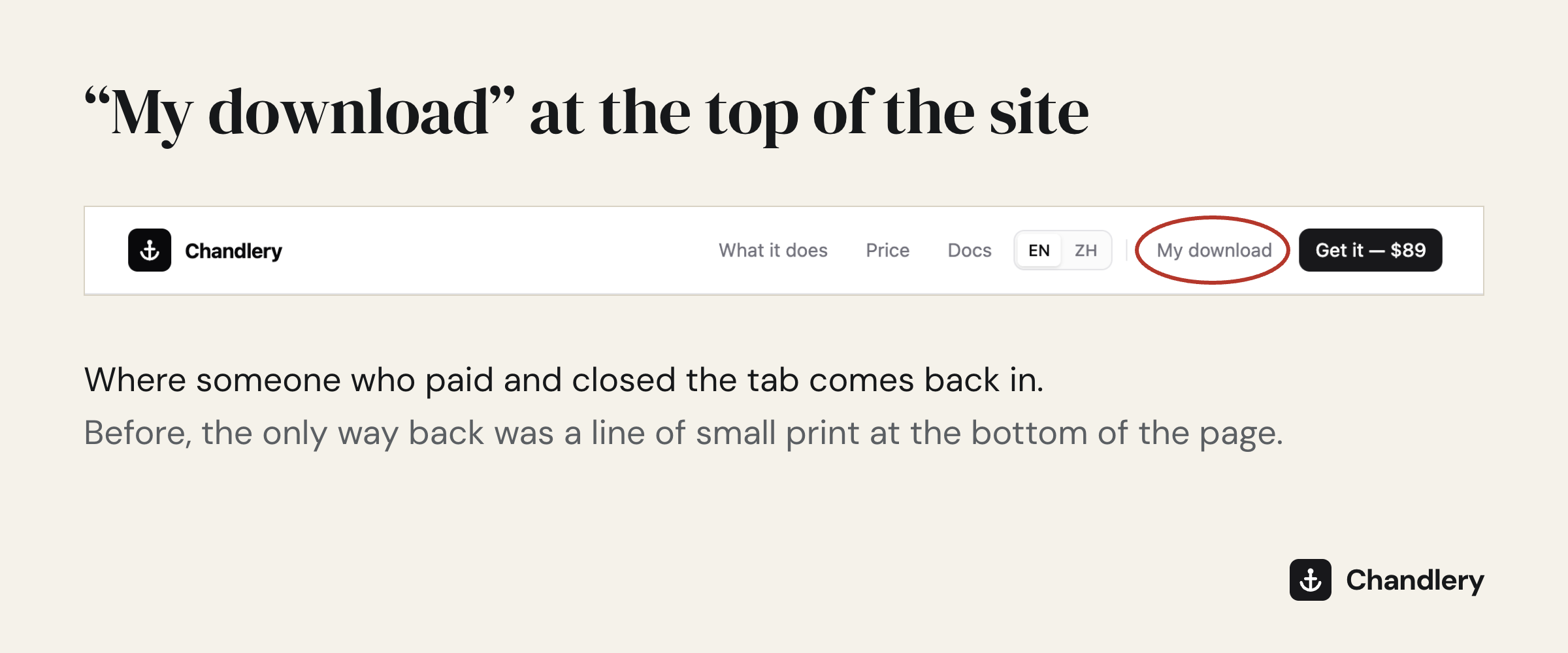
4. A "My download" link at the top of the site.
Before, someone who paid and closed the tab had one way back: a line of small print at the very bottom of the sales page.
All four shipped in the release of September 18, the same day.
The buyer got the project running.
Why one support request changed four things
I set a rule for this project, and it is written in the repository's instructions:
A support request is finished when it has become a docs page, an automatic check or a fix, and a line in the support log says which.
The reason is arithmetic. At $89, sold to people who don't write code, the same question arriving twice is the whole margin gone.
If you are the beginner
When you get stuck, say so, and say which step. The place you got stuck is very likely the place the author forgot to write down. This buyer said one sentence, and the docs gained the missing step.
If you build for beginners
Find someone who has never seen your product and watch them go through it on their own, starting from the moment they pay.
The step you can do with your eyes closed is the one most likely missing from your docs.
$89, paid once. If it is not for you, you can get a refund within 14 days.